
Play Stack Tower Online – Free Browser Stacking Game With No Download
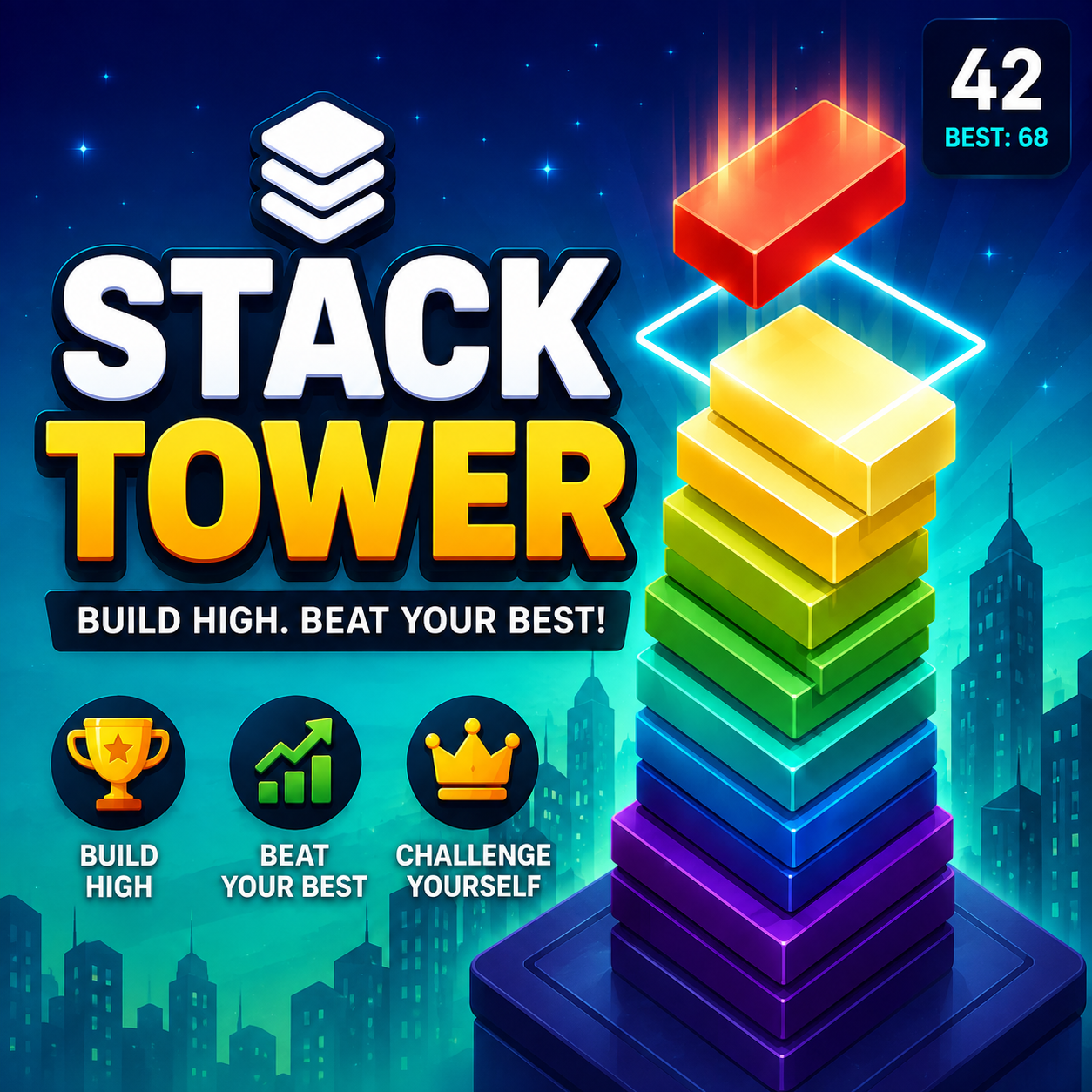
Looking for a simple game you can open and start playing immediately? Play Stack Tower online on CasualVerse and jump straight into a satisfying block-stacking challenge without downloading an app, creating an account, or paying for anything.
Stack Tower takes inspiration from the simple style of block-stacking games that became popular on mobile: moving platforms, precise timing, increasingly smaller blocks, and one simple goal—build the tallest tower you can.
But instead of installing another app on your phone, you can open Stack Tower directly in your browser and start playing.
The Classic Stack-Style Gameplay
The concept behind Stack Tower is intentionally simple. A block moves from side to side above your tower. Tap or click at the right moment to place it on top of the previous block.
If the block lines up perfectly, you keep the full platform. If your timing is slightly off, the overlapping section stays while the extra part is sliced away.
The higher you climb, the smaller your available landing area can become. That turns a game with incredibly simple controls into a surprisingly challenging test of timing and concentration.
This style of gameplay will feel familiar to anyone who has played Ketchapp’s Stack. The original mobile game focuses on building a tower as high as possible with straightforward controls and a high-score-driven format. Ketchapp currently lists Stack for mobile platforms, and its store listings include ads and in-app purchases.
You can see the original game on the
official Ketchapp Stack page.
Why Play Stack Tower on CasualVerse?
Mobile games are convenient, but sometimes you don’t want to install another app just to play a quick game. That’s one of the biggest reasons we created Stack Tower as a browser game.
You can open the game, start stacking, and move on whenever you’re finished.
No Download Required
There is nothing to install. Stack Tower runs directly in your browser, which means you don’t have to use storage space on your phone, tablet, or computer just to try it.
Simply visit the game page and start playing.
Play for Free
You don’t need to purchase Stack Tower to play it on CasualVerse. There is no upfront game price and no requirement to buy upgrades before you can enjoy the main gameplay.
The full stacking challenge is available right from the browser.
Minimal Ads
One of our goals with Stack Tower is to keep interruptions low. Casual games are most enjoyable when you can stay focused on the gameplay instead of constantly stopping between rounds.
Stack Tower uses a minimal-ad approach so you can spend more time trying to beat your high score and less time waiting to get back into the game.
Start Playing Almost Instantly
Browser games remove many of the steps that normally stand between you and the game.
There’s no app store search, download progress bar, installation process, or storage warning. Open the game, let it load, and start stacking.
Simple to Learn, Hard to Master
One of the reasons stacking games remain so addictive is that the rules can be understood within seconds.
Wait for the moving block. Tap at the right moment. Stack it. Repeat.
The challenge comes from consistency.
A single slightly mistimed placement makes the next block smaller. Another mistake makes it even smaller. Before long, you’re attempting to land blocks on a platform that is only a fraction of the size you started with.
This creates a natural difficulty curve without requiring complicated tutorials or controls.
Perfect Placements Make a Difference
Accuracy is rewarded in Stack Tower. Landing a block directly over the one below it gives you a perfect placement and allows you to maintain the size of your tower.
String together several accurate placements and you can climb much higher than a player who constantly loses pieces from the sides.
The difference between an average score and a great score often comes down to finding a rhythm.
Great for Quick Gaming Sessions
Stack Tower doesn’t require a huge time commitment. A round can be played whenever you have a few minutes available.
That makes it ideal for a quick break, waiting for something to finish, or simply relaxing when you don’t want to start a long game.
At the same time, the high-score format makes it easy to fall into the classic “one more try” loop.
You finish a round knowing exactly where you made the mistake, restart, and immediately try to beat your previous tower.
Stack Tower vs. Installing a Mobile Stacking Game
The main advantage of playing Stack Tower on CasualVerse is convenience.
| Feature | Stack Tower on CasualVerse | Typical Mobile Game |
|---|---|---|
| Download required | No | Usually |
| Installation required | No | Yes |
| Purchase required to start | No | Depends on the game |
| Play from a browser | Yes | Usually no |
| Ad approach | Minimal | Varies |
Tips for Getting a Higher Stack Tower Score
1. Watch the Center of the Tower
Instead of following the outside edge of the moving block, keep your attention near the center. This can make it easier to judge when the two blocks are aligned.
2. Find a Rhythm
The movement often becomes easier to predict after several placements. Avoid rushing and try to establish a consistent tapping rhythm.
3. Protect the Width of Your Tower
Small mistakes early can make later placements much harder. Keeping your first several blocks as wide as possible gives you more room when the tower gets taller.
4. Don’t Panic When the Platform Gets Small
When your tower becomes narrow, players often start tapping too quickly. Stay patient. Accurate timing becomes even more important as your landing area shrinks.
5. Chase Your Own High Score
Instead of worrying about one bad round, use your previous score as your next target. Even adding a few blocks to your best tower is progress.
A Modern Browser Take on a Familiar Idea
Stacking games work because they remove everything unnecessary and focus on one mechanic that feels satisfying to improve.
The original Stack helped popularize that experience on mobile, with Ketchapp describing its game around building blocks as high as possible and competing for high scores. :contentReference[oaicite:1]{index=1}
Stack Tower brings that familiar idea to CasualVerse with a focus on easy browser access. You get the simple timing challenge without needing to install an app or pay before you play.
Play Stack Tower Online for Free
If you enjoy simple games that become more challenging the longer you survive, play Stack Tower online and see how high you can climb.
There is no download required, no purchase required, and minimal advertising to interrupt your runs. Just open the game, start stacking, and try to beat your best score.
Play Stack Tower on CasualVerse
You can also explore more free arcade games and casual games available directly in your browser.
Frequently Asked Questions
Can I play Stack Tower without downloading it?
Yes. Stack Tower runs directly in your browser on CasualVerse, so there is no app or game file to download.
Is Stack Tower free?
Yes. You can play Stack Tower on CasualVerse without paying to access the game.
Does Stack Tower have ads?
Stack Tower is designed with minimal advertising so that interruptions stay limited and the focus remains on gameplay.
Is Stack Tower the same as Ketchapp’s Stack?
No. Stack Tower is a separate stacking game. It uses the familiar block-stacking gameplay style popularized by games such as Ketchapp’s Stack.
What is the goal of Stack Tower?
The goal is to place moving blocks as accurately as possible and build the tallest tower you can. Poorly aligned sections are cut away, making future placements more difficult.
Can I play Stack Tower on desktop?
Yes. Because the game runs in a web browser, it can be played on supported desktop and mobile browsers without installing a dedicated app.
 casualverse
- 0 Comment
- Gaming News
- August 8, 2026